Sign-in for game developers
Players want to play first and make an account later. auth4.dev is built around that, so you can spend your time on the game instead of on account systems.
Why it suits games
Guest-first play with a safe upgrade
Players start as guests with a stable user ID. When they add an email address or a Discord, Steam, Google, Apple or Microsoft account, they keep the same ID, so progress stored against it needs no migration. Each upgrade uses a single-use, short-lived proof tied to the guest's own session.
How a guest becomes a full accountDevice codes instead of embedded browsers
On consoles, desktops and handhelds the game shows a short code. The player approves it on a phone or PC with an email code, and the game polls until it receives tokens. No browser runs inside your game.
Device sign-in flowA Unity package
A C# package for device sign-in, guest play, guest upgrades and rotating refresh tokens. Tokens stay in memory unless you supply a secure-storage adapter over your platform's protected store.
Unity quickstartDiscord sign-in
Players sign in through hosted login with the Discord account they already use for gaming, and guests can link Discord when they upgrade.
Discord sign-in guideSteam sign-in
Turn Steam on in the console and players sign in with their Steam account, on the hosted login page, the device approval page or when a guest saves progress. There is no API key or secret to manage.
Steam sign-in guideThe Microsoft account Xbox players already have
Players can sign in with the personal Microsoft account they use on Xbox, or with Google or Apple. auth4.dev uses the account for sign-in only; it doesn't read gamertags or other Xbox profile data.
Microsoft (Xbox) sign-in guideEach project is isolated
Every project has its own issuer, and every stored record, code and session key includes the project ID. Codes and tokens from one project can't be used with another.
Project isolationShort-lived tokens your game server verifies
Access tokens are RS256 JWTs that last five minutes. The server SDK checks the signature, issuer, project, audience and expiry, so your game API knows which player sent each request.
Server quickstart
What your players see
Hosted login works the same in a browser game, a launcher or on a phone next to a console. These are the pages your players see, in the default theme and with a game's own branding. You set the colour, logo and page text in the console. Brand the hosted pages
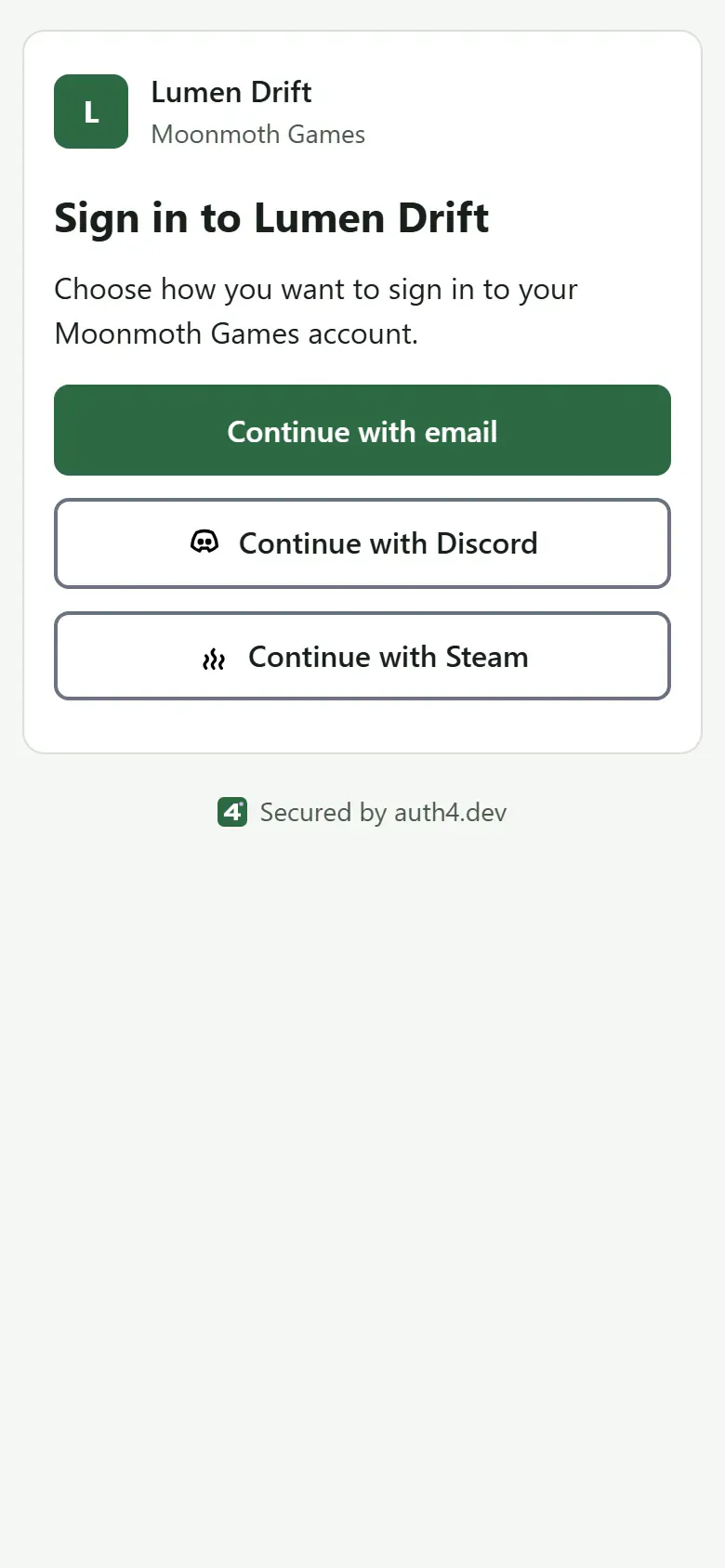
Sign-in method chooser, default theme
The sign-in page lists the methods you turn on for the application, such as email codes, Discord and Steam. Add a Steam button
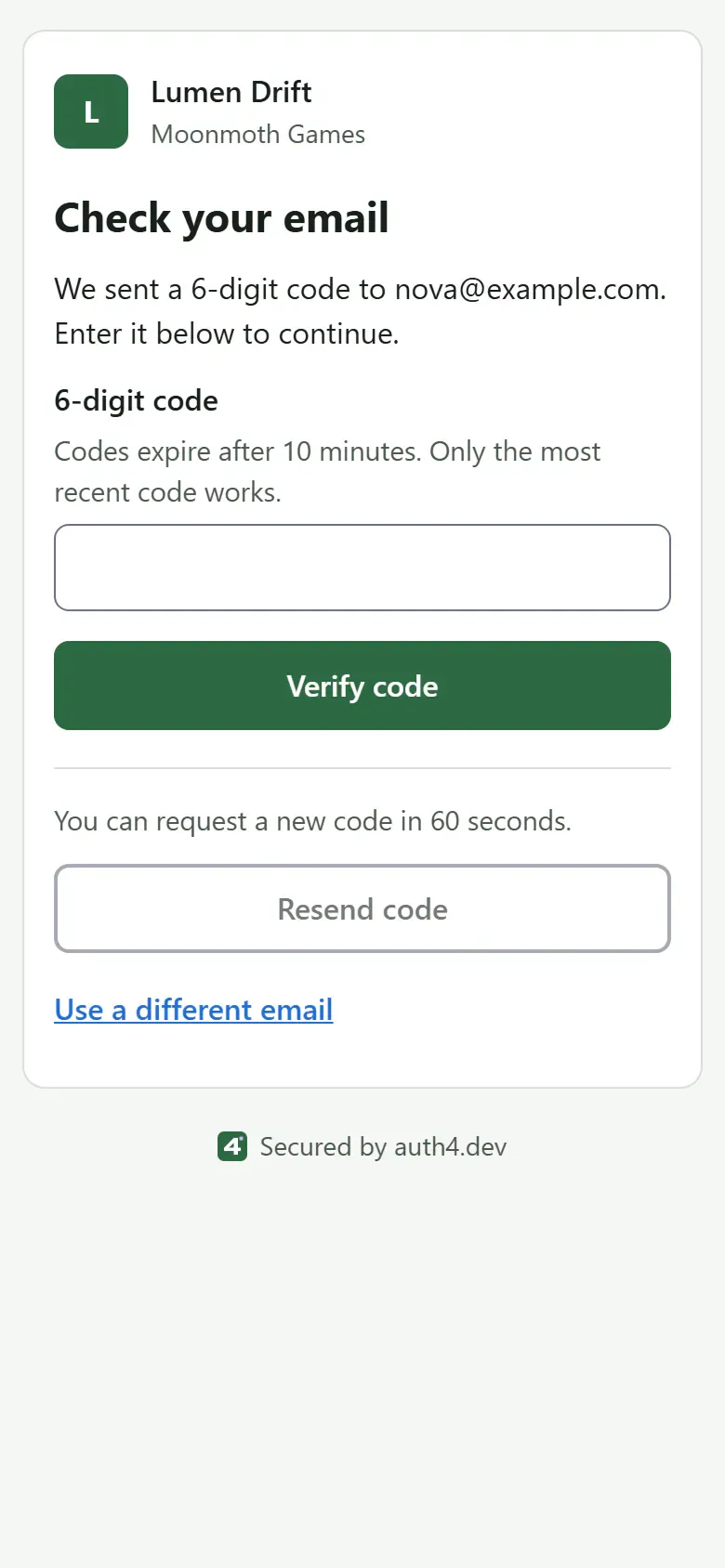
Email code entry, default theme
The player enters the six-digit code from their email. It works once, for ten minutes. Email codes
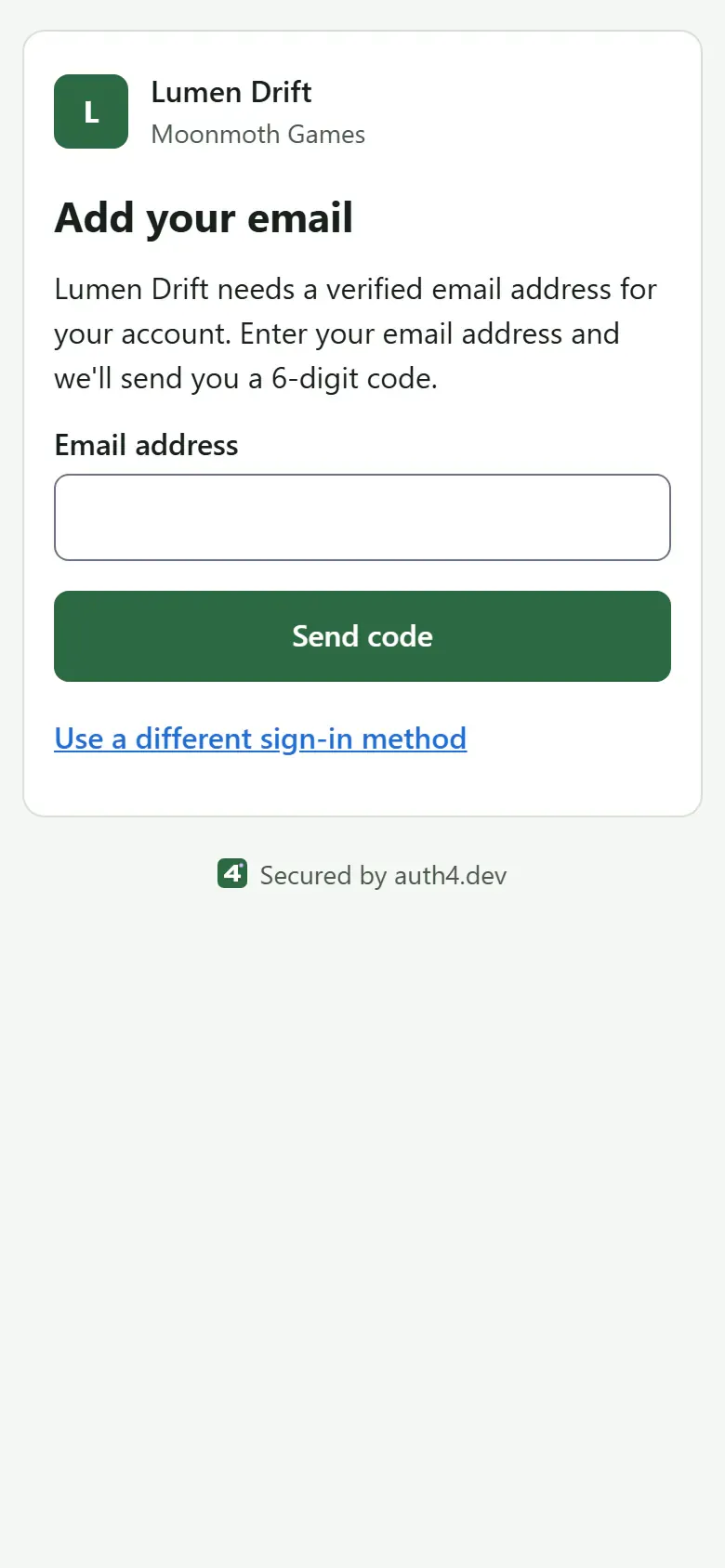
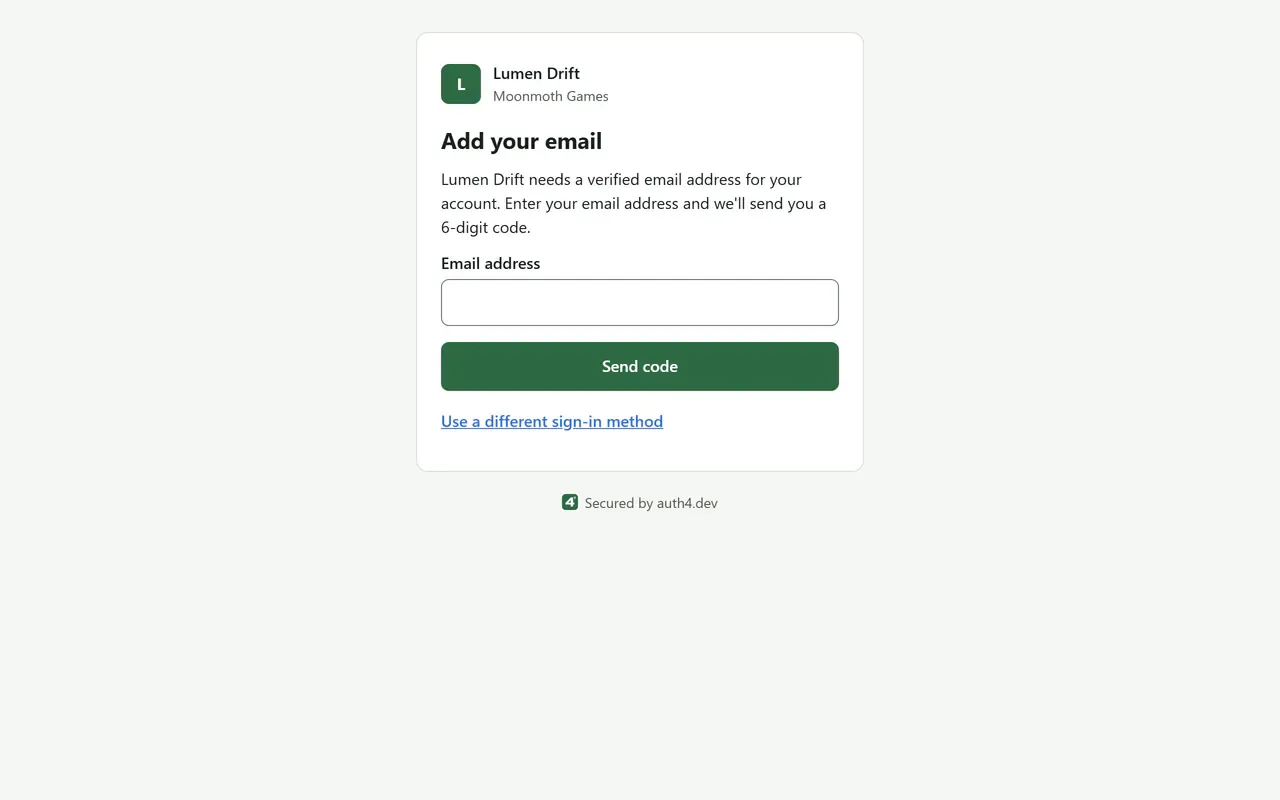
Steam 'Add your email' step, default theme
Steam doesn't share an email address, so the player can be asked to add and verify one before returning to your game. The verified email step
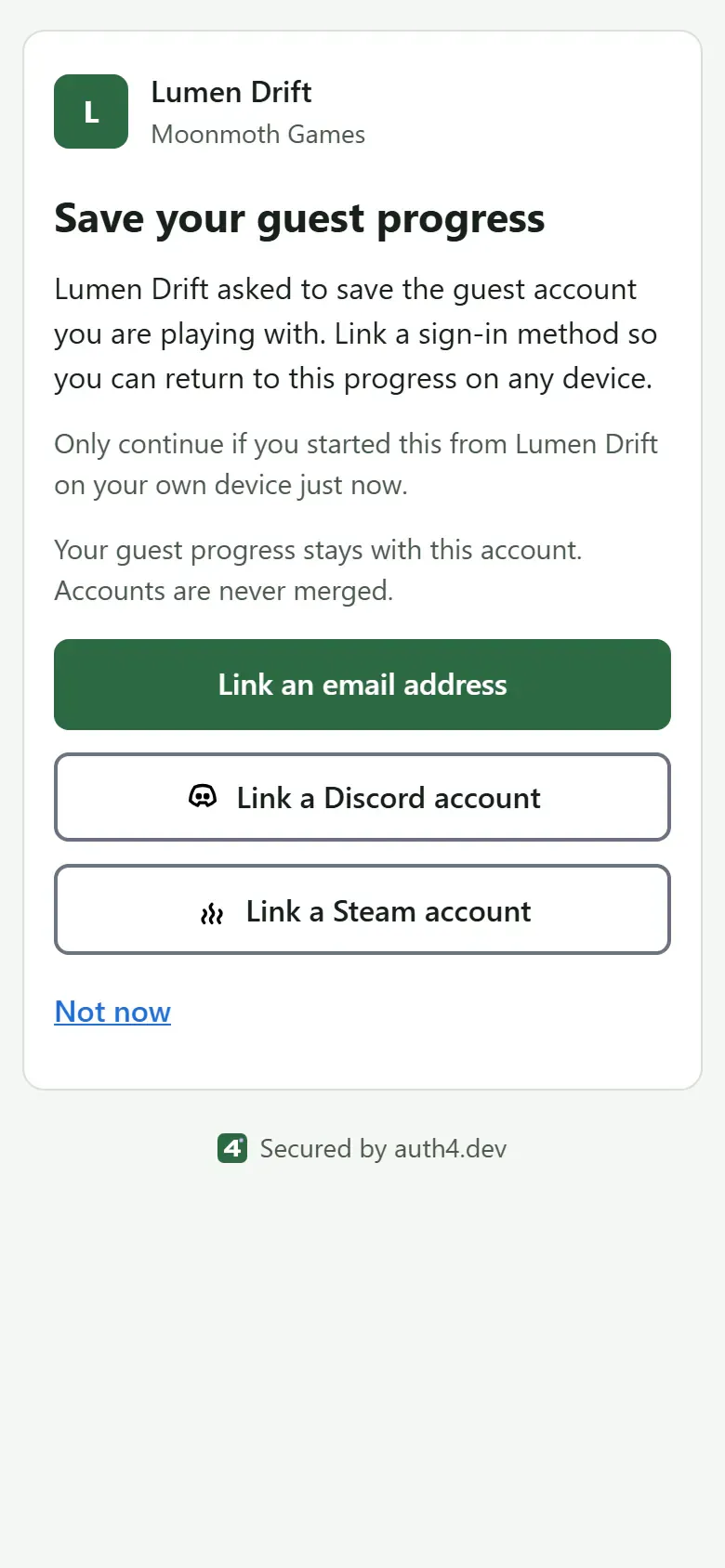
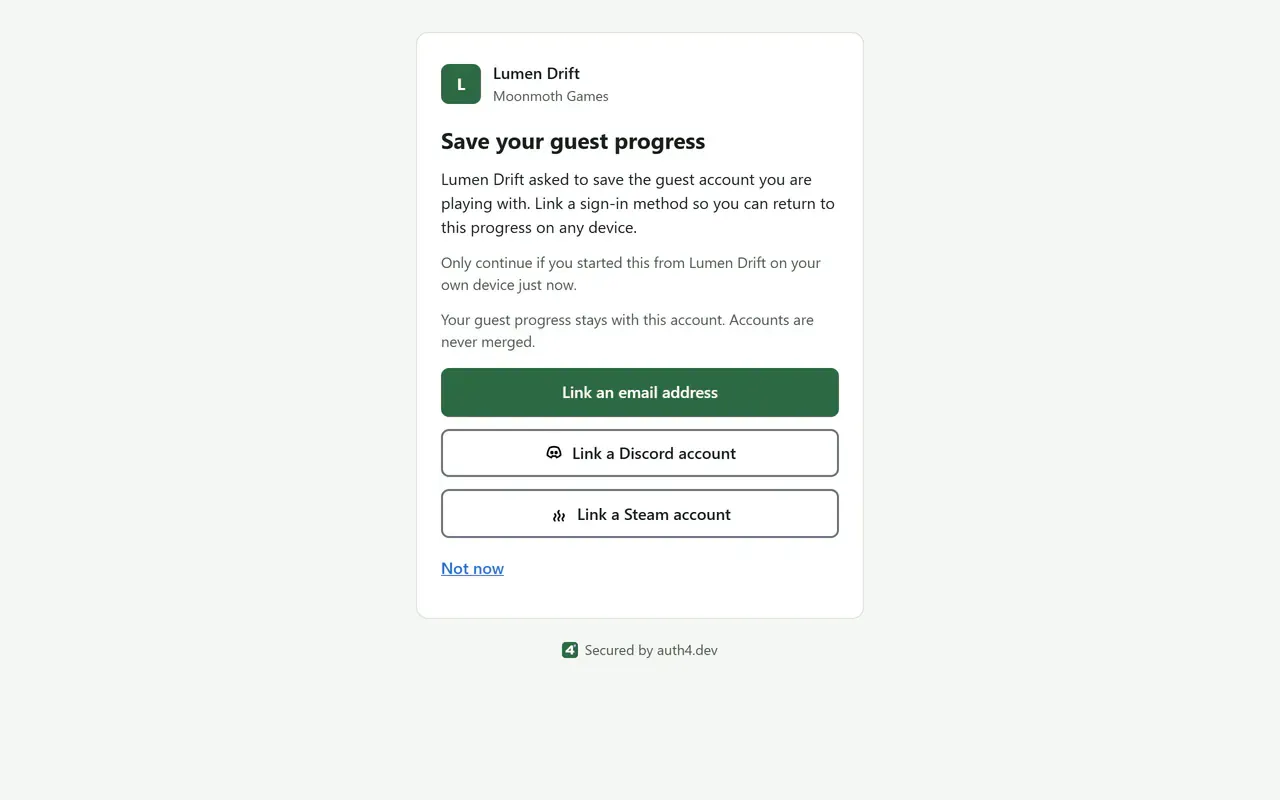
Guest upgrade, default theme
A guest keeps their progress and user ID by linking an email address, Discord or Steam. Guest upgrade paths
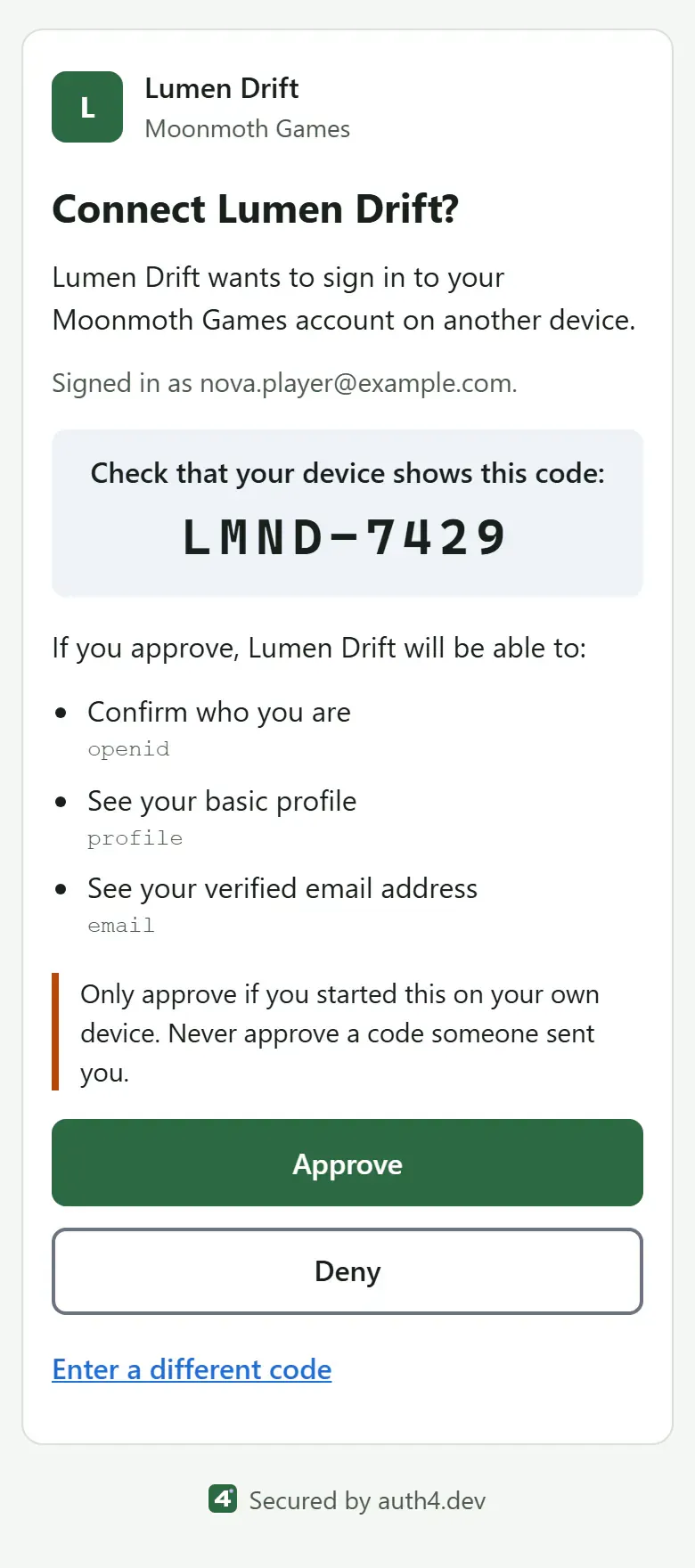
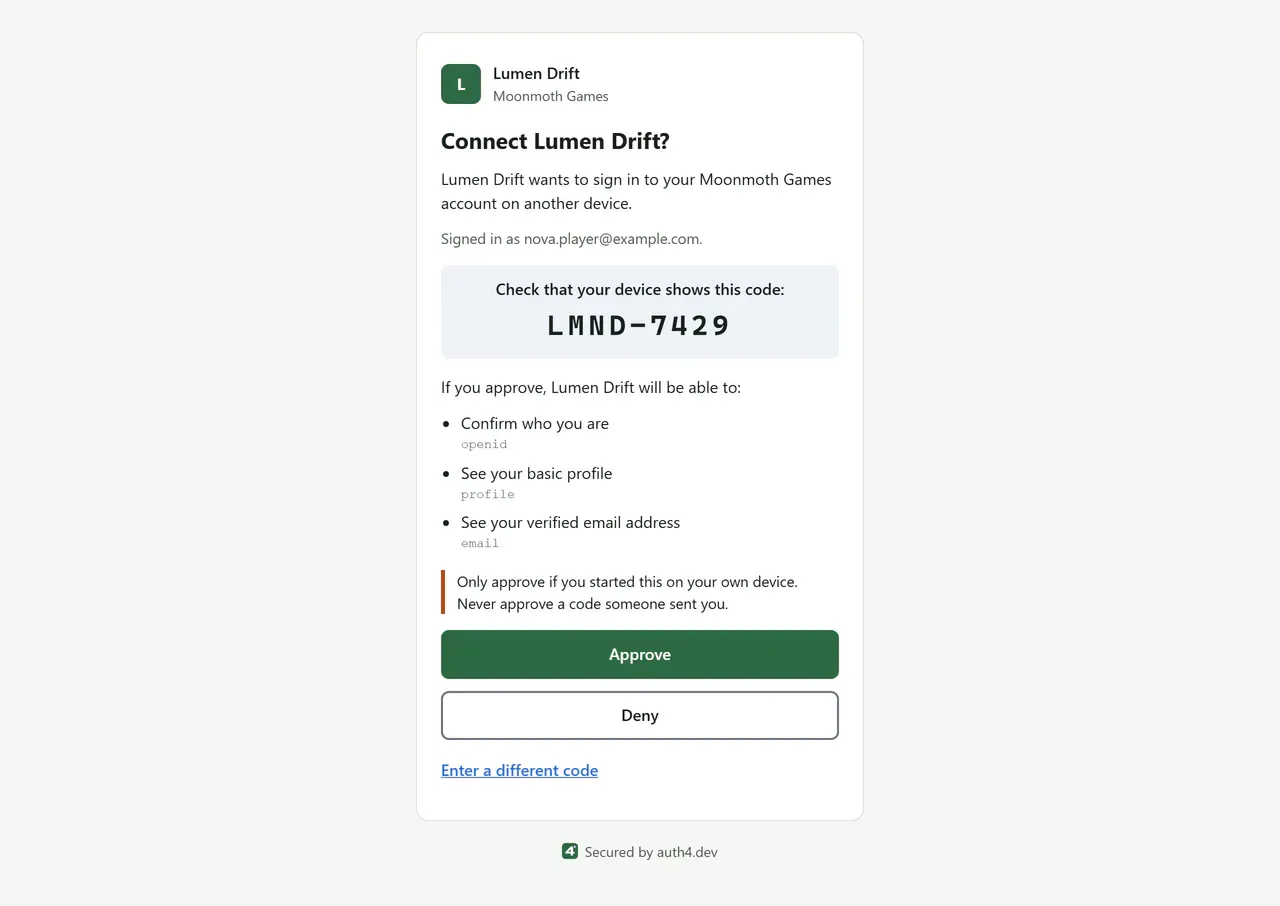
Device approval, default theme
On a phone or PC, the player checks the code their console shows and approves the sign-in. Device sign-in
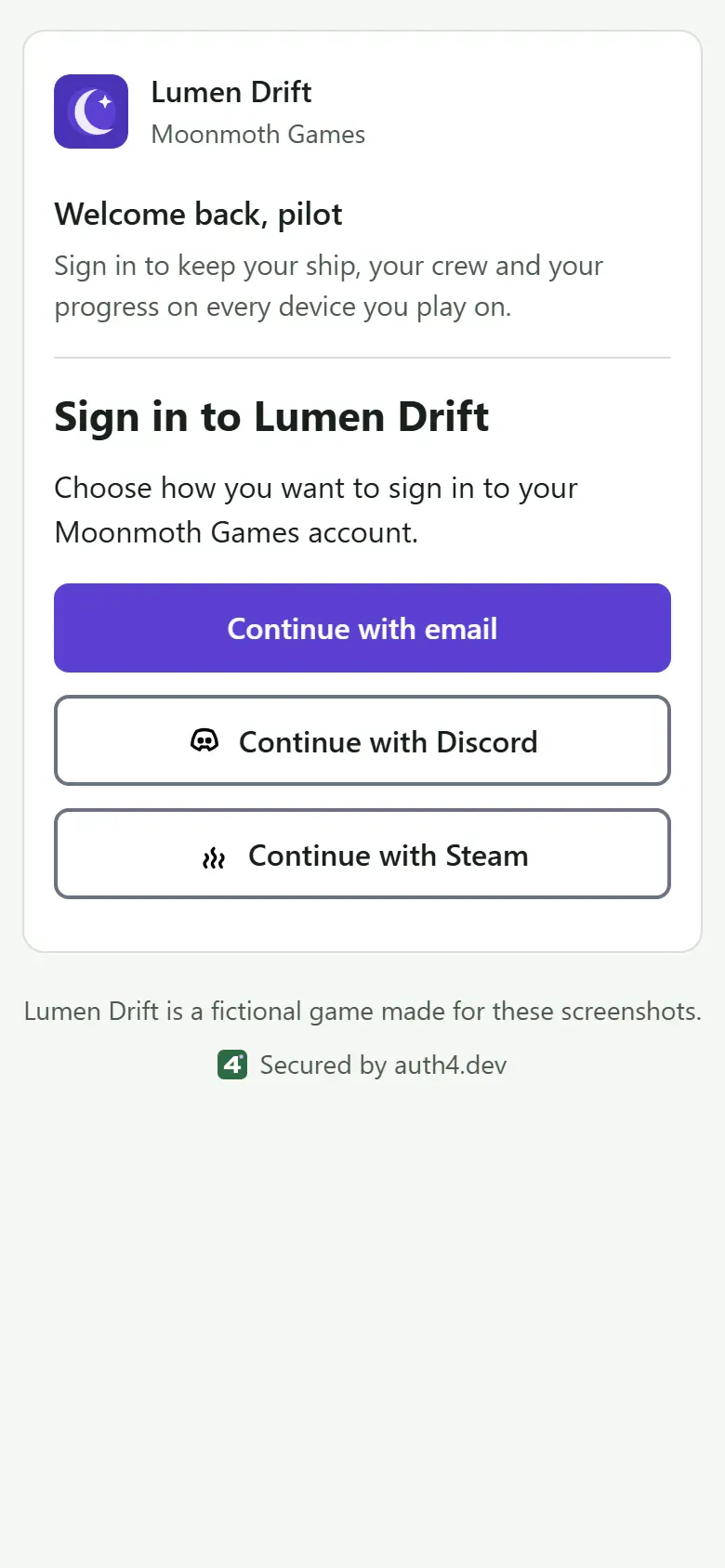
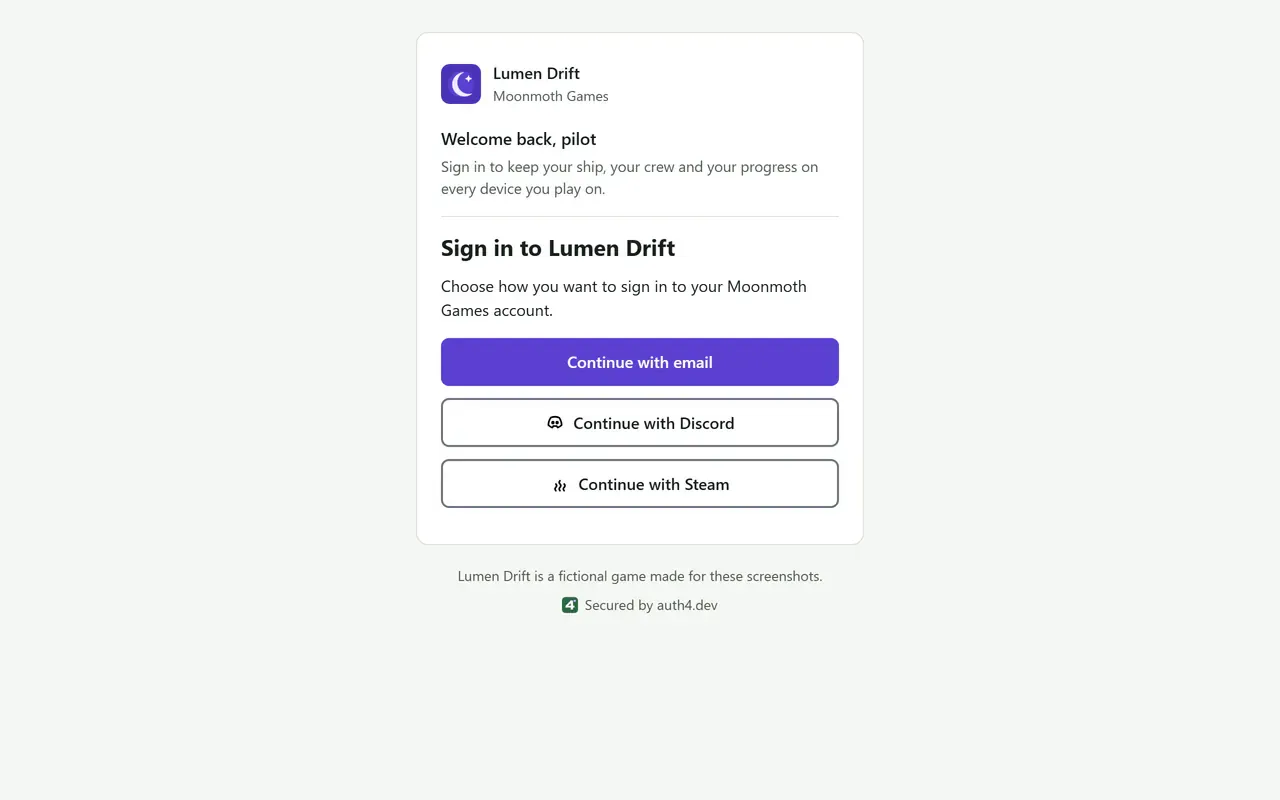
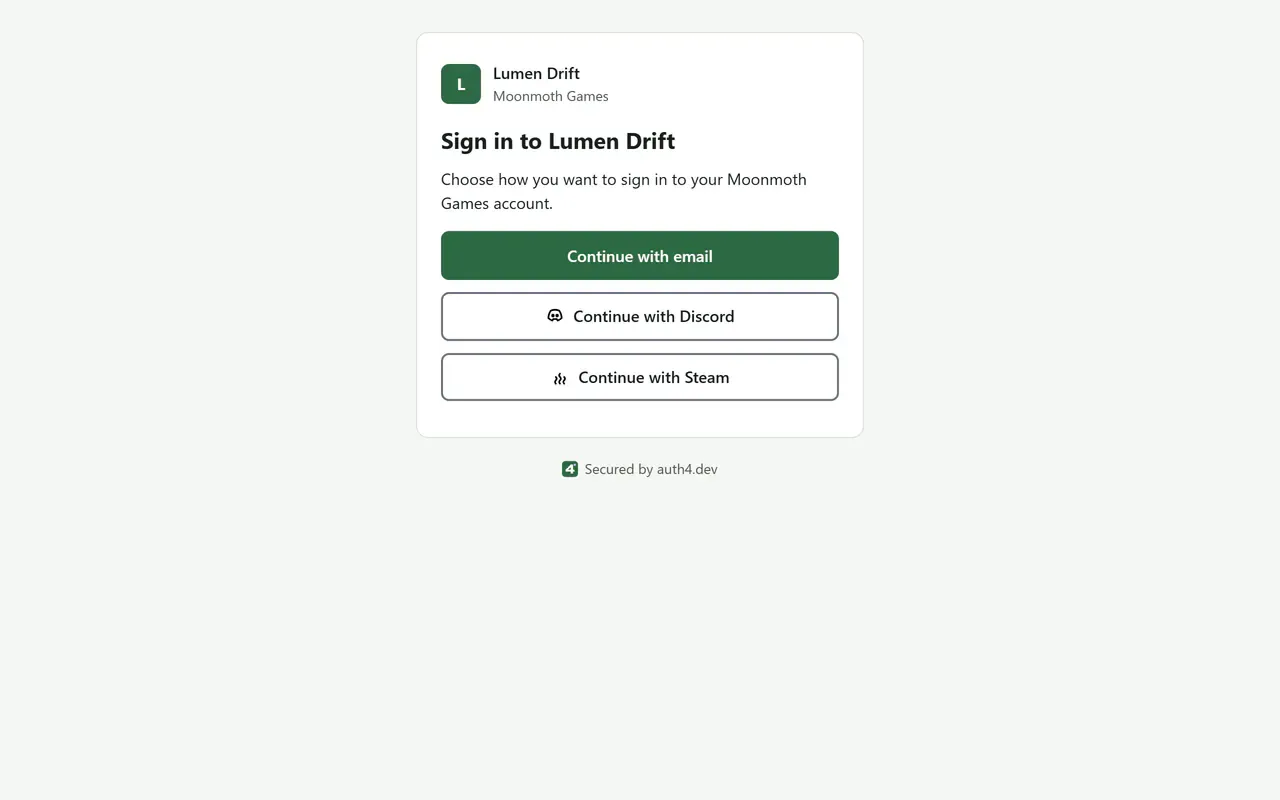
Sign-in method chooser, branded for Lumen Drift
The sign-in page lists the methods you turn on for the application, such as email codes, Discord and Steam. Add a Steam button
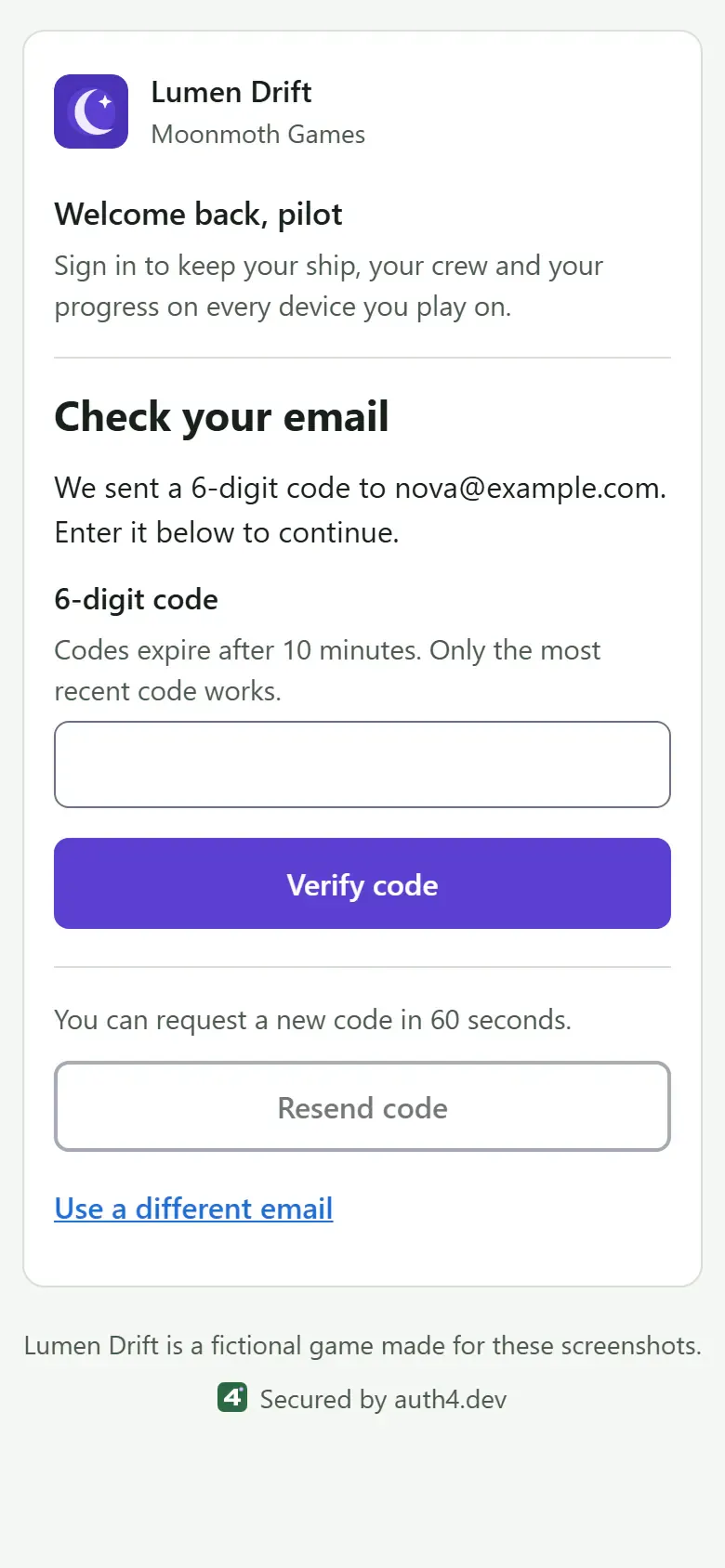
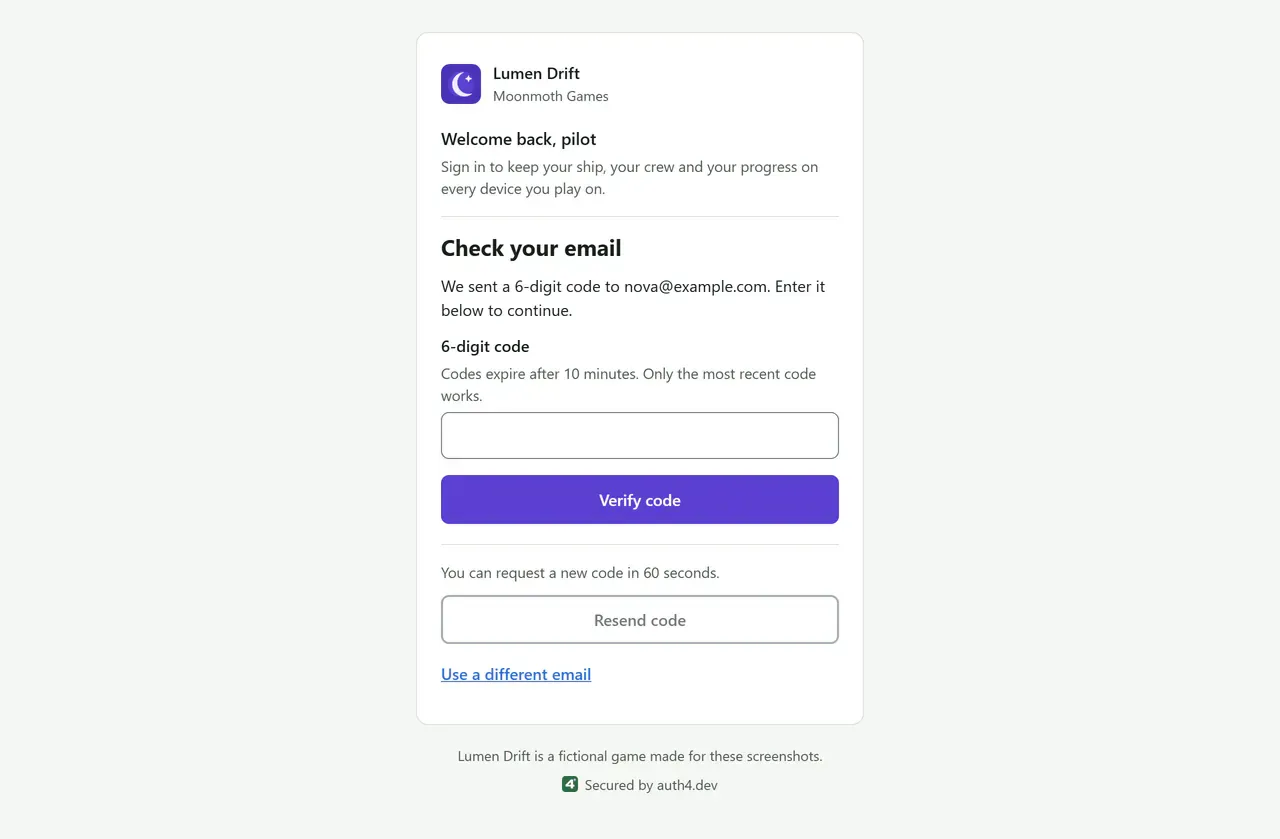
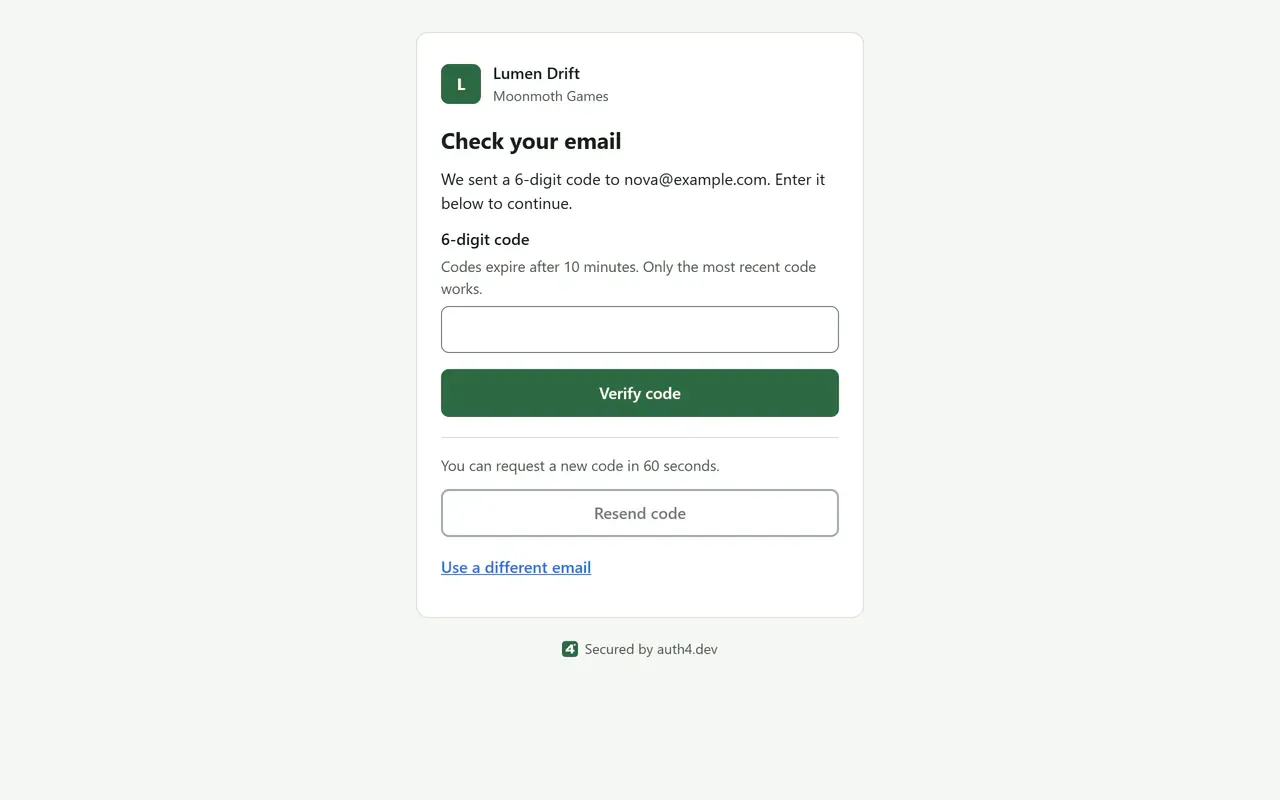
Email code entry, branded for Lumen Drift
The player enters the six-digit code from their email. It works once, for ten minutes. Email codes
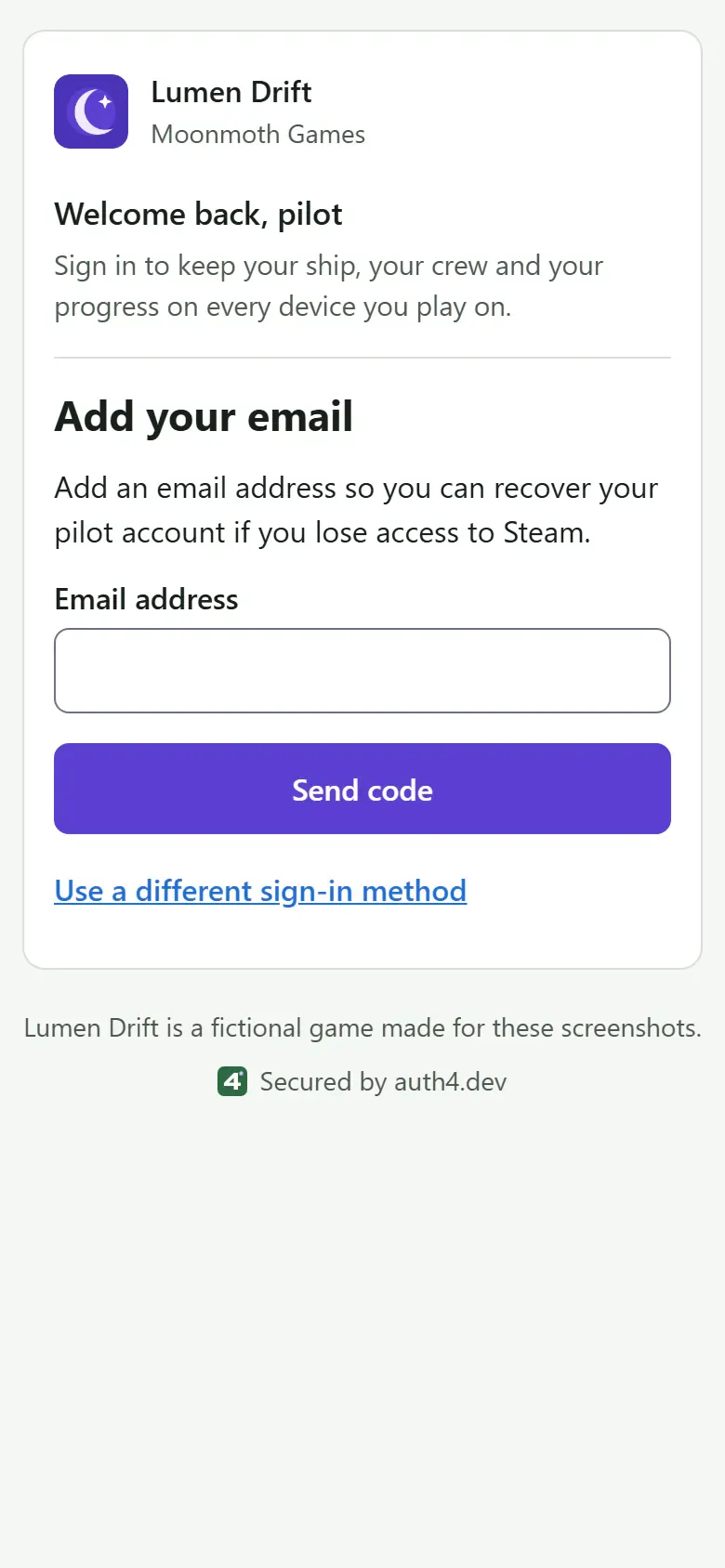
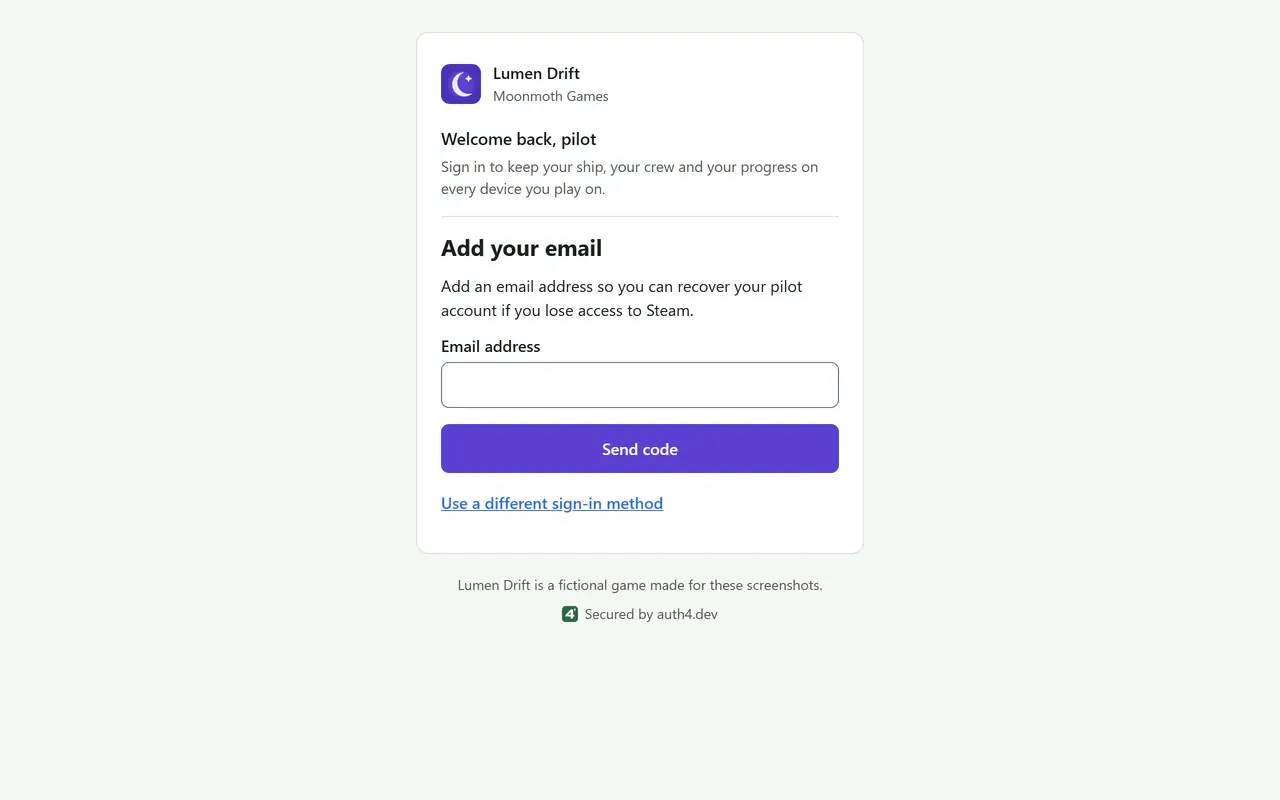
Steam 'Add your email' step, branded for Lumen Drift
Steam doesn't share an email address, so the player can be asked to add and verify one before returning to your game. The verified email step
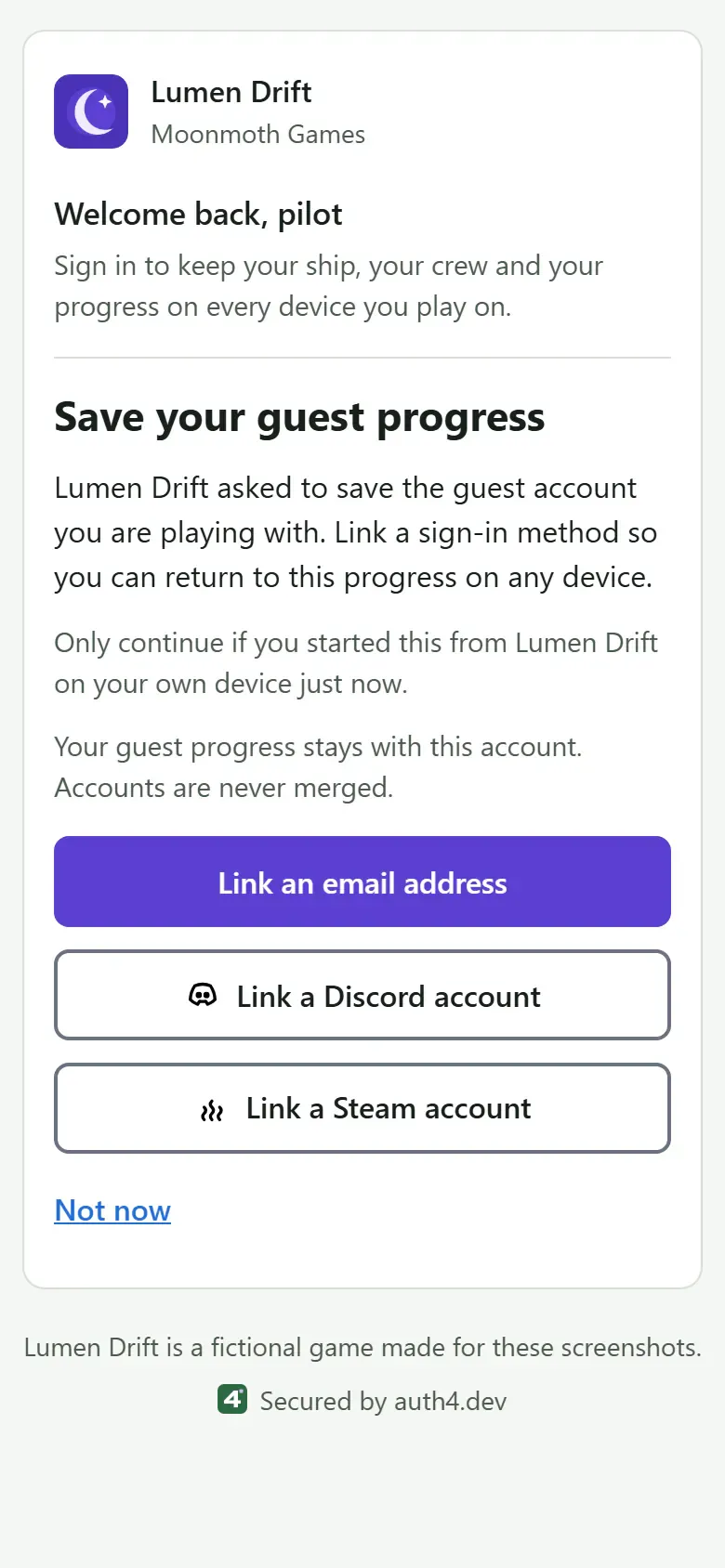
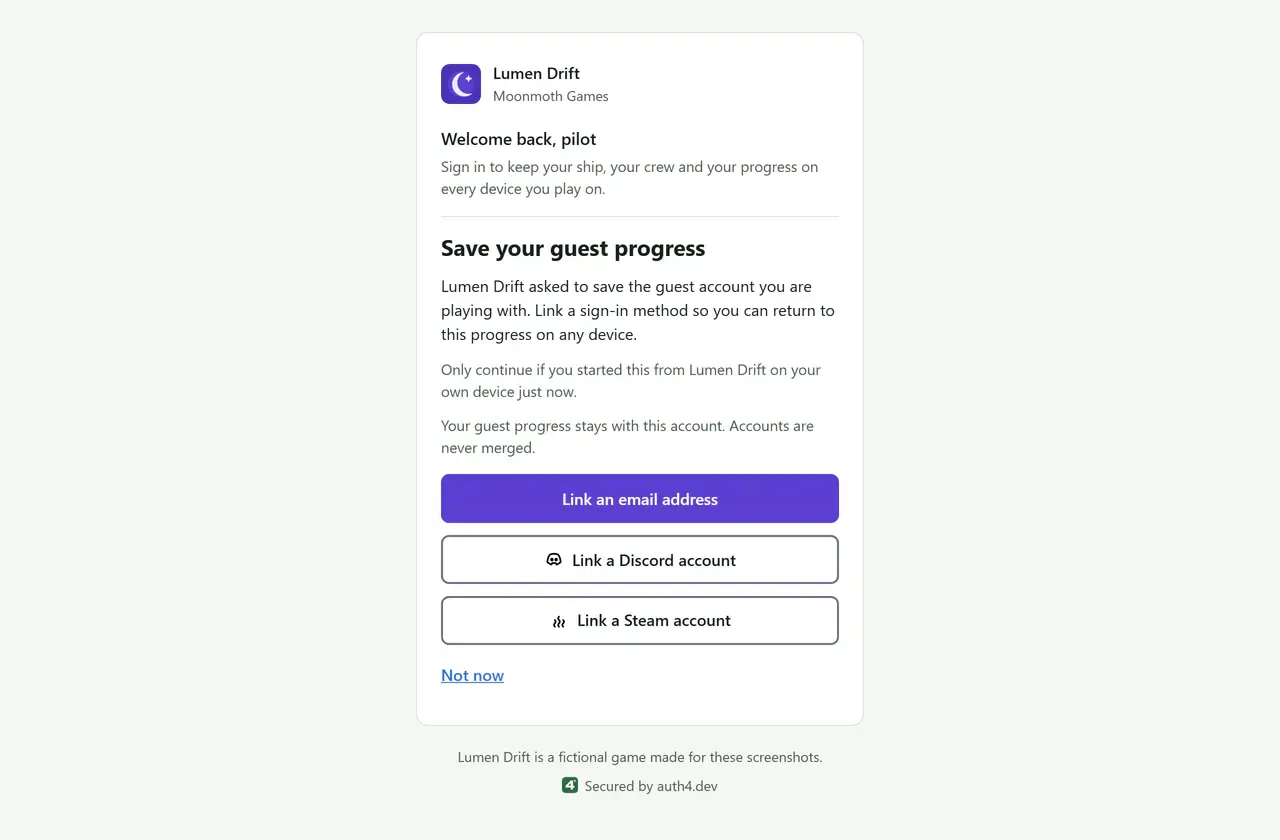
Guest upgrade, branded for Lumen Drift
A guest keeps their progress and user ID by linking an email address, Discord or Steam. Guest upgrade paths
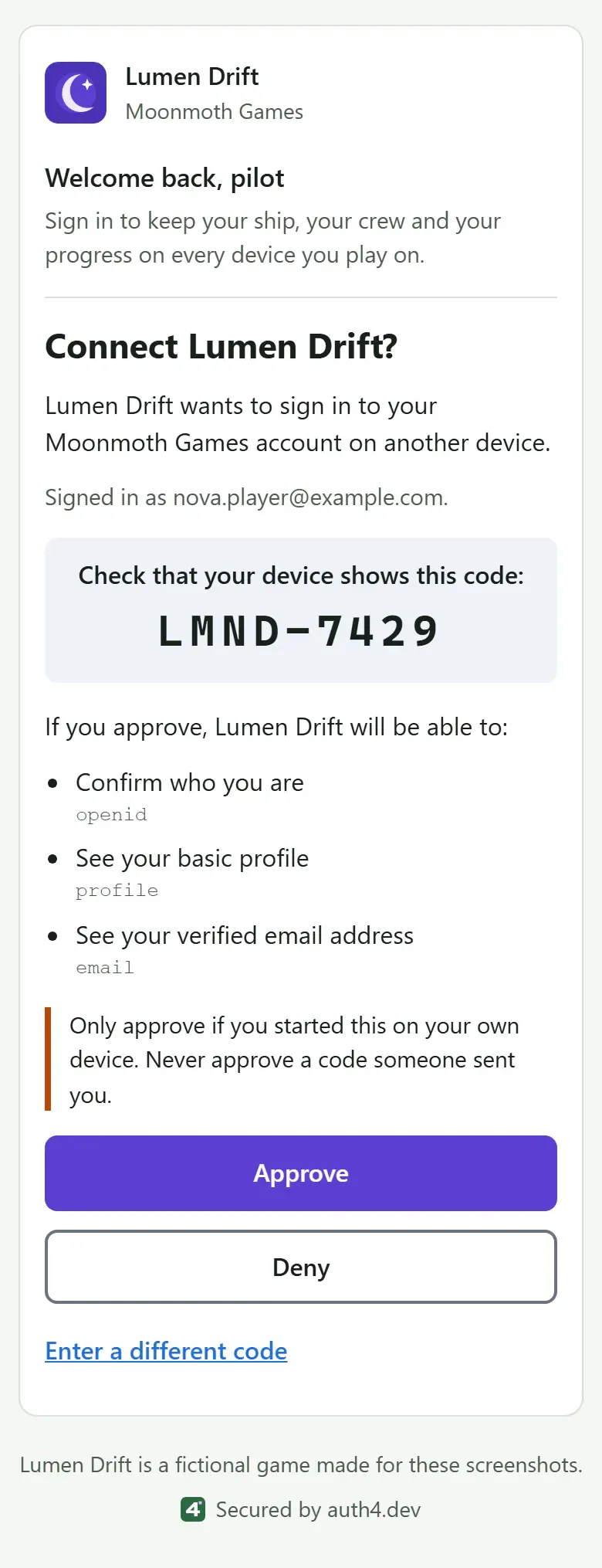
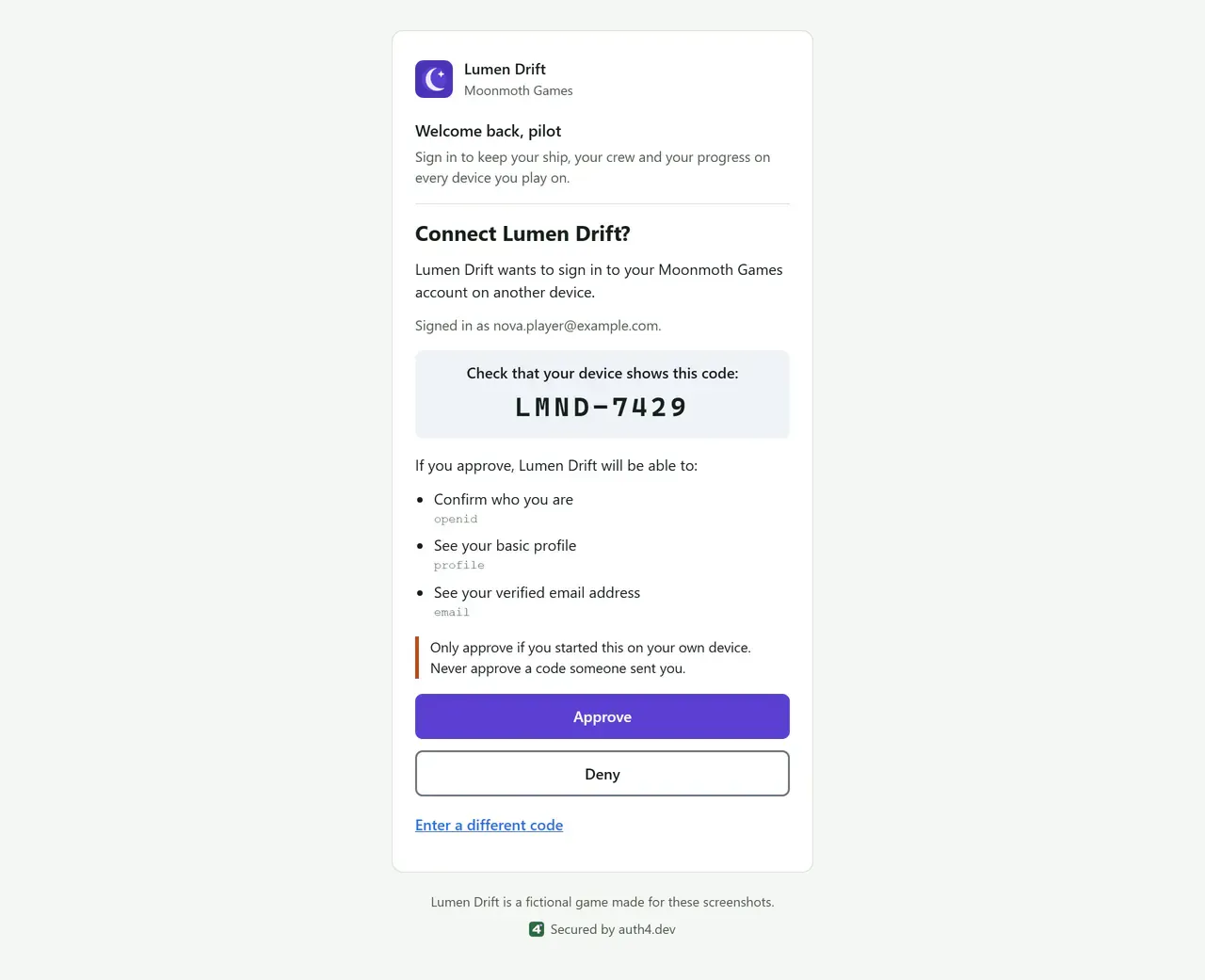
Device approval, branded for Lumen Drift
On a phone or PC, the player checks the code their console shows and approves the sign-in. Device sign-in
What you get compared with building it yourself
Sign-in for a game is more than a login form. This is the work you take on when you build it yourself, next to what auth4.dev already does. Your game server still verifies tokens and decides what each player may do.
| Area | Building it yourself | With auth4.dev |
|---|---|---|
| Email sign-in | Generate one-time codes, send and expire them, and rate-limit attempts per address and network. | Hosted six-digit email codes with rate limits. Email rate limits |
| Guest accounts | Create anonymous accounts, then link a real identity later without losing progress or taking over someone else's account. | Guest sessions and upgrades that keep the same user ID, with single-use proofs. Upgrade safety rules |
| Sign-in on devices without a browser | Implement device authorization (RFC 8628): user codes, an approval page, polling intervals, slow_down and expiry. | Device sign-in with a hosted approval page and per-application device settings. Polling rules |
| Token signing | Choose a token format, sign tokens, publish and rotate signing keys, and verify tokens in every service. | RS256 tokens with published signing keys and a server SDK that verifies them. Failures and key rotation |
| Staying signed in | Issue refresh tokens, rotate them on every use and detect a stolen token being reused. | Rotating refresh tokens; reuse revokes the whole token family. Refresh rotation |
| Ending access | Track sessions so players can sign out and you can revoke a player's access. | Sign-out in the SDKs, and session revocation and player disabling in the console. Revocation limits |
| Player data deletion | Delete a player's records everywhere, and clean up abandoned guest accounts. | Owner deletion requests in the console, and inactive guests removed after 30 days by default. Deleting a player |
| Your team | Build admin tools with roles, and record who changed what. | A developer console with owner, admin and viewer roles and an audit log. Team roles |
Plan around what isn't included yet
- No passwords or passkeys on the device approval page. Social sign-in is limited to Discord, Steam, Google, Apple and Microsoft, with no Xbox profile data.
- The Unity package isn't on OpenUPM or the Unity Asset Store yet; use it from the repository. The web SDKs are on npm.
- Servers that verify tokens offline accept an access token for up to five minutes after revocation.
- There are no custom domains or custom claims.
Try it with your game
Create a project, register a game client for device sign-in, and follow the Unity or server quickstart.